

Customer 360
The Customer 360 module serves as the central nervous system of your compliance operations. Rather than requiring teams to navigate disjointed tools to piece together an entity's history, Customer 360 aggregates telemetry from KYC, KYB, AML Screening, Fraud Lens, Background Checks, and Transaction Monitoring into a single, unified risk profile.
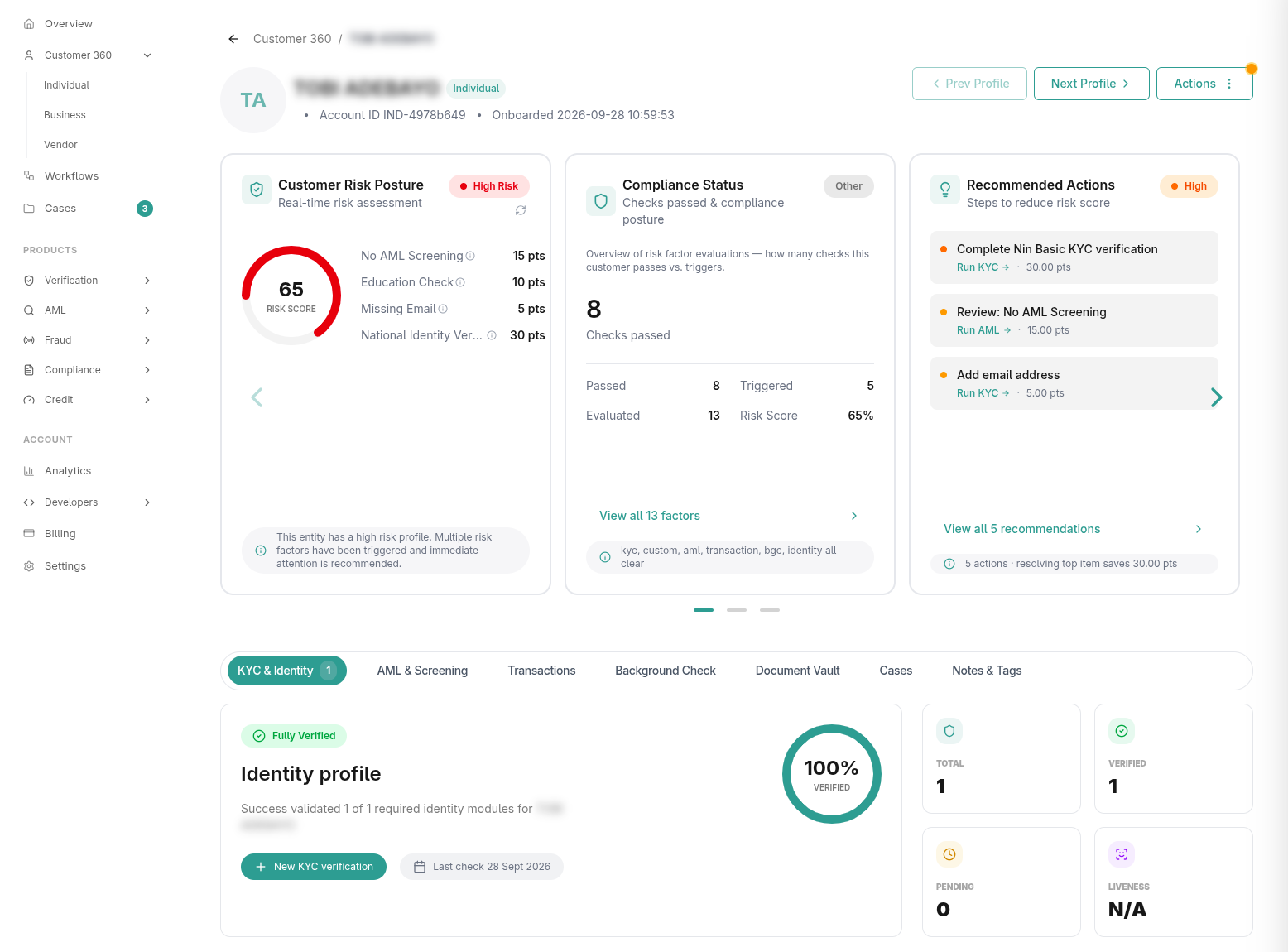
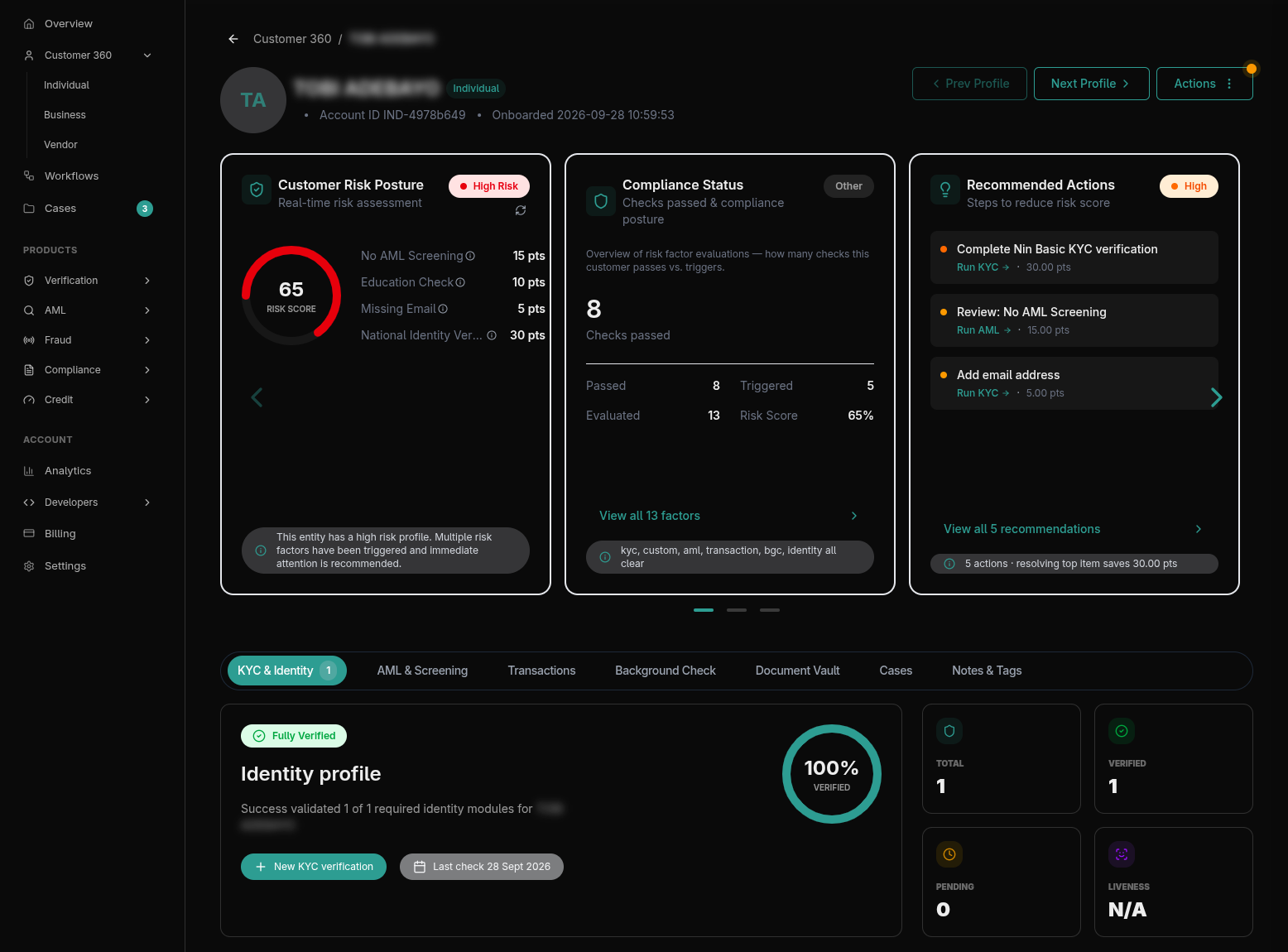
1. Profile Domains: Individuals, Businesses & Vendors
Customer 360 manages risk across three primary entity classifications:
- Individuals: Retail and consumer accounts. Consolidates national identity numbers (NIN, BVN, SSN), biometric liveness checks, contact details, and historical transaction volumes.
- Businesses: Commercial and merchant entities. Tracks official registry filings (e.g., Nigerian CAC, Kenyan Registrar, UK Companies House), ultimate beneficial owners (UBOs), corporate tax IDs, and linked company directors.
- Vendors: Third-party suppliers, contractors, and corporate partners. Vendors are managed through an invitation-based onboarding lifecycle rather than direct manual creation, allowing companies to request and verify external compliance credentials.
Cohort Telemetry & Views
For each domain, compliance teams can toggle between two operational views:
- Overview View: Visualizes cohort analytics, monthly onboarding trends, and risk level distributions (
Low,Medium,High,Critical). - List View: A searchable, filterable table displaying real-time risk scores, DSVI ratings, verification badges, and quick-action drawers.
2. Profile Ingestion & Creation Modalities
Profiles enter Customer 360 through four primary channels (/dashboard/customer-360/new):
- Manual Single Intake: Compliance officers can create profiles directly using dedicated forms for Individuals or Businesses, inputting identity attributes and attaching initial verification documents.
- Bulk CSV Upload: Onboard or migrate existing user bases by uploading structured CSV/Excel spreadsheets with automated column mapping.
- Direct REST API & Webhooks: Ingest customers programmatically from your backend systems upon registration, syncing customer identifiers, contact details, and initial risk parameters.
- Automated Workflows: Profiles are automatically synthesized or updated whenever an applicant completes an onboarding or verification sequence in Workflows.
3. Dynamic Risk Scoring, DSVI & AI Insights
Every Customer 360 profile is evaluated by continuous risk intelligence engines:
Automated Composite Risk Scoring
The engine synthesizes telemetry across all linked modules (e.g., biometric confidence scores, velocity anomalies, AML watchlist hits) into a dynamic 0–100 risk score:
- Low (0–29): Cleared for standard operations and automated processing.
- Medium (30–59): Standard caution; flagged for periodic review.
- High (60–79): Requires Enhanced Due Diligence (EDD) and manual operator sign-off.
- Critical (80–100): Restricts account activity and automatically dispatches an escalation to compliance officers.
Data Sensitivity & Vulnerability Index (DSVI)
Beyond financial and fraud risk, Customer 360 calculates a DSVI rating. This framework evaluates:
- Economic Vulnerability: Evaluates consumer financial dependency vs. independence.
- Power Imbalances: Assesses whether the customer operates with accessible market alternatives or represents a vulnerable captive party.
- Data Sensitivity: Measures the privacy impact of stored biometric, financial, and personal identifiable information to ensure ethical compliance with global data protection laws (e.g., GDPR, NDPR).
Actionable AI Compliance Recommendations
The profile header displays algorithmically generated recommendations (e.g., "Trigger Enhanced Due Diligence (EDD)", "Request updated utility bill for expired proof of address", or "Review borderline facial similarity score"), giving officers immediate next steps.
4. Automated PII Conflict Resolution
When identity verification is performed, the system executes an automated PII Comparison Breakdown, cross-referencing Expected PII (data provided during registration) with Actual PII (data returned from official government registries).
When a discrepancy is detected (such as name transposition, maiden name variance, or minor spelling errors), the record flags a Link Conflict:
- Mismatch Breakdown: Compliance officers review side-by-side comparisons of the conflicting fields.
- Compliance Override Decision: The officer can submit an Approve & Mark Verified or Reject Link decision.
- Mandatory Audit Justification: Overrides require mandatory audit notes detailing the regulatory justification.
- Identity Safelist: Approved alias variations can be added to the organization's Identity Safelist, allowing future verification lookups with the same variance to pass automatically.
5. Modular Audit Tabs
Each customer profile is structured into dedicated operational tabs:
KYC & Identity
Displays verified identity documents, registry portraits, and biometric match percentages. Operators can also use the KYC Linking Component to associate standalone verification checks with the customer profile.
AML & Screening
Aggregates Politically Exposed Persons (PEP), global sanctions (OFAC, UN, EU, UK), and adverse media screening results. Compliance officers can clear false positives, log mitigation rationale, or link ad-hoc AML searches.
Transactions & Monitoring
Ingests transactional telemetry, displaying transaction history, velocity spikes, geographic hops, and automated rule triggers from the Transaction Monitoring engine.
Background Checks (BGC)
Tracks candidate verification packages, candidate portal invitation statuses, and verified education, employment, or criminal record dossiers.
Document Vault (Document Requests)
A centralized repository for all files associated with the entity. If additional compliance documentation is needed, operators can trigger a Document Request:
- Select required document types (Identity, Proof of Address, Financial, Legal).
- Set a secure, time-limited upload link (e.g., 7, 14, or 30 days).
- The applicant receives a secure portal link to upload files directly without needing Prembly dashboard access.
Cases Integration
Direct integration with Case Management. Compliance officers can view open investigations related to the customer or escalate an anomaly into a new Case directly from the profile without switching pages.
Notes & Tags
Provides threaded internal communication for compliance team collaboration, audit handoffs, and custom tags for cohort filtering.
6. Compliance Dossier Exports
For regulatory reporting, banking partner audits, or legal inquiries, officers can click Download PDF Report to generate a timestamped compliance dossier containing verified identity proofs, audit trails, risk score breakdowns, and officer notes.