

Anti-Money Laundering (AML) Screening
Prembly's AML Screening engine is a vital compliance tool designed to prevent your business from onboarding bad actors. It instantly screens individuals and businesses against global watchlists, including Sanctions, PEPs (Politically Exposed Persons), and adverse media databases.
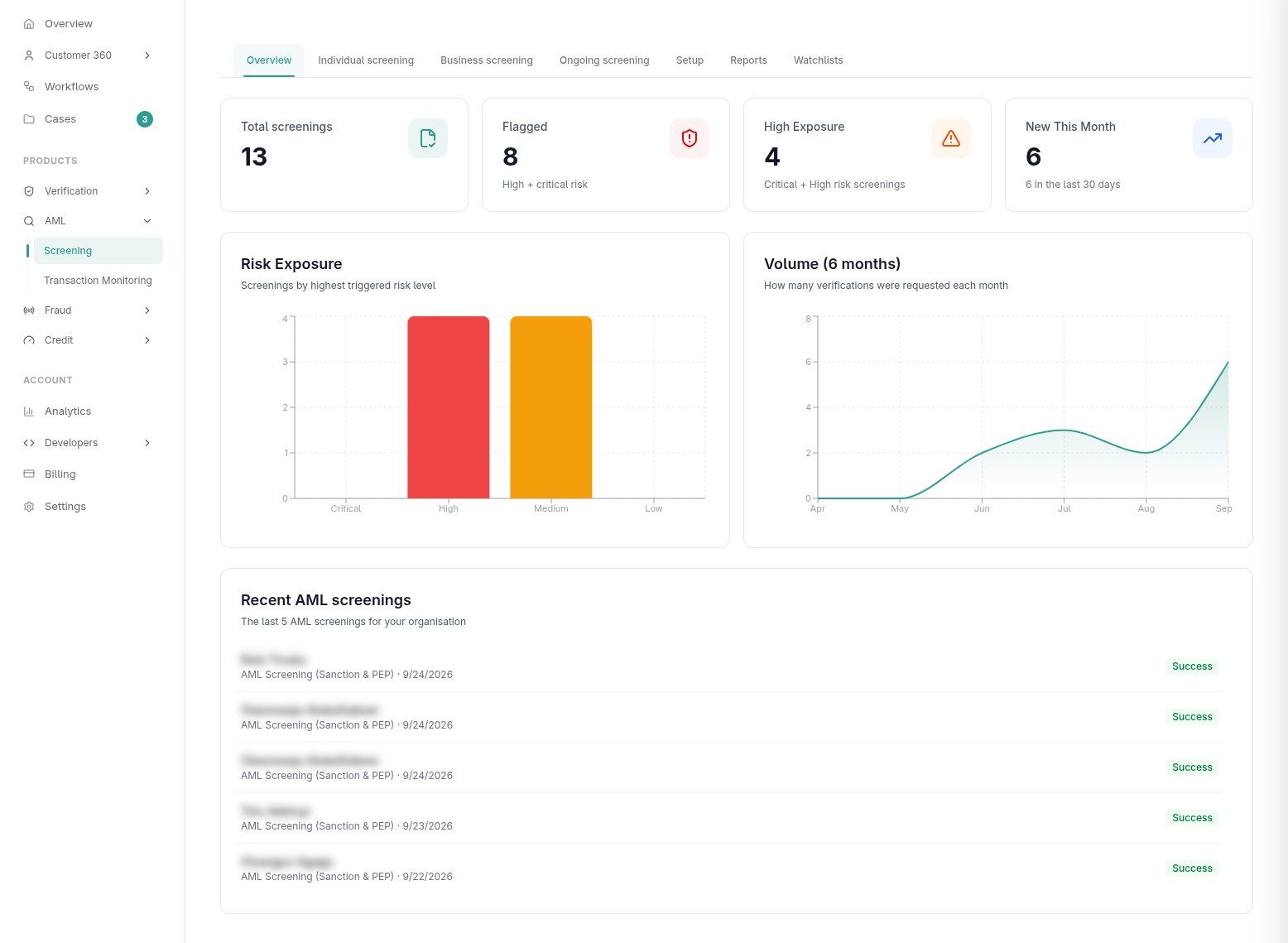
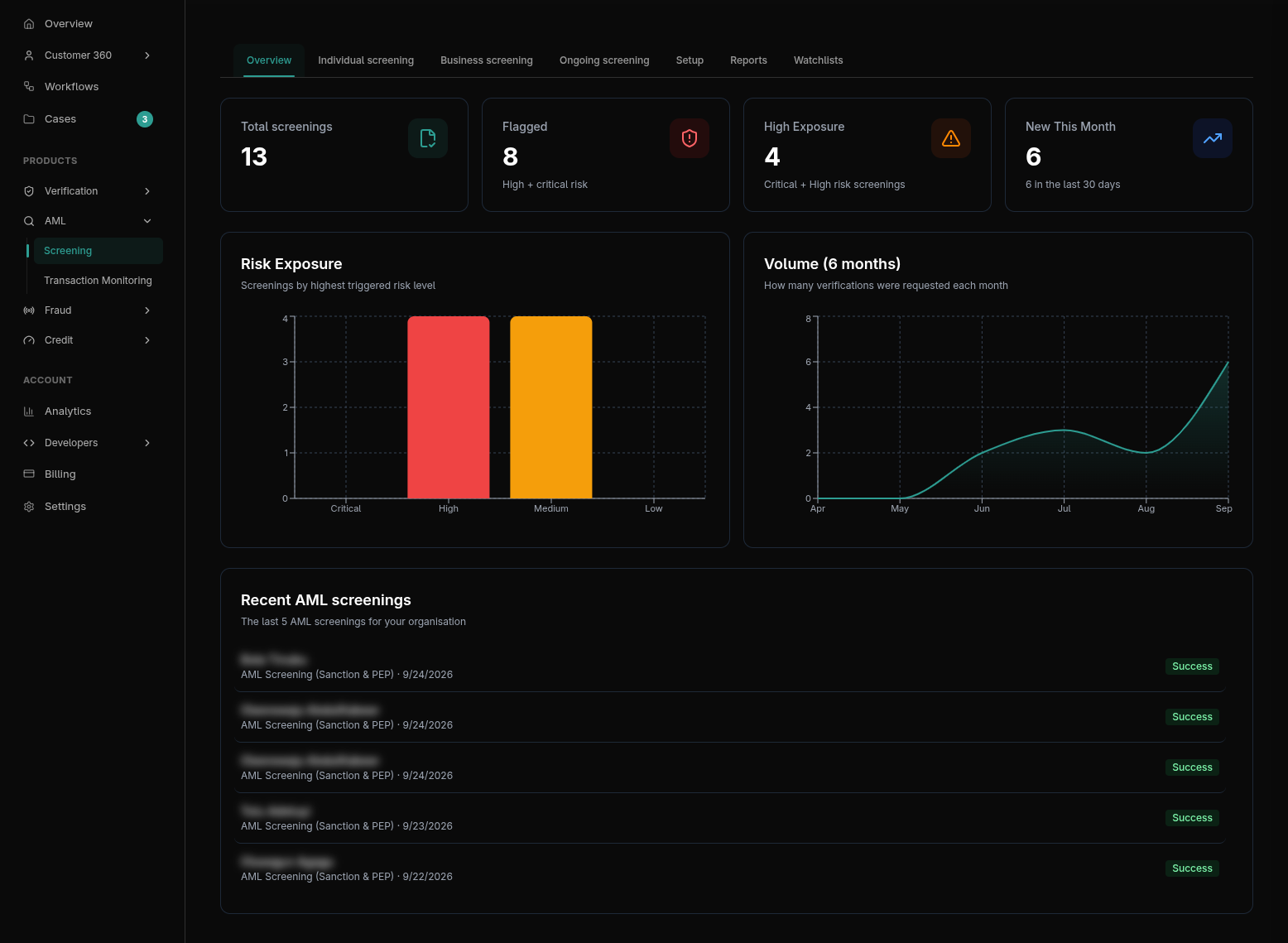
1. Types of AML Screenings
You can perform targeted AML checks depending on the scope of your onboarding requirements.
Individual vs. Business Screening
- Individual Screening: Search for a person using their full name and date of birth. This will scan global PEP databases, interpol lists, and regional crime watchlists.
- Business Screening: Search for corporate entities. This ensures the company itself is not sanctioned or operating out of embargoed jurisdictions.
Specific Watchlist Checks
If you do not need a comprehensive scan, you can ping specific lists:
- Sanctions Only:
POST /api/v1/verification/aml-screening/sanction/ - PEP Only:
POST /api/v1/verification/aml-screening/pep/
2. AML with Identity Verification (AML-with-ID)
For the highest level of compliance, you can combine AML screening directly with identity verification in a single API call.
By hitting the aml-with-id endpoint, Prembly will first verify the ID document (e.g., NIN, Passport). Upon successful verification, the engine automatically extracts the verified name and pipes it into the AML screening engine, returning a unified compliance report.
POST https://api.prembly.com/api/v1/verification/aml-screening/aml-with-id/
X-API-Key: <your_api_key>
Note: A similar business-with-id endpoint exists for combining KYB and AML checks.
3. Bulk AML Processing
Similar to the verification suite, AML Screening supports massive bulk uploads. This is highly recommended for Continuous Monitoring, routinely re-screening your entire existing user base against daily-updated watchlists.
You can upload an Excel spreadsheet containing names via the dashboard or through the API (/api/v1/verification/aml-screening/bulk/). The engine will process the file asynchronously and return a downloadable compliance report highlighting any newly surfaced risks.
4. Reading an AML Report
When an AML scan completes, it returns an overall status and a list of Hits.
Understanding Hits
A "Hit" means the system found a match in a database.
- Clear: No hits were found. The user is safe to onboard.
- Potential Match: The name closely resembles an entry on a watchlist. A compliance officer must review the profile details (like DOB or aliases) to confirm if it's a false positive.
- Exact Match: High confidence that your user is the sanctioned individual.
The AML Report View
Clicking on a "Hit" in the dashboard reveals the profound details of the match, including the exact list they appeared on (e.g., OFAC Specially Designated Nationals, UN Security Council Consolidated List), the date they were added, and any known aliases.
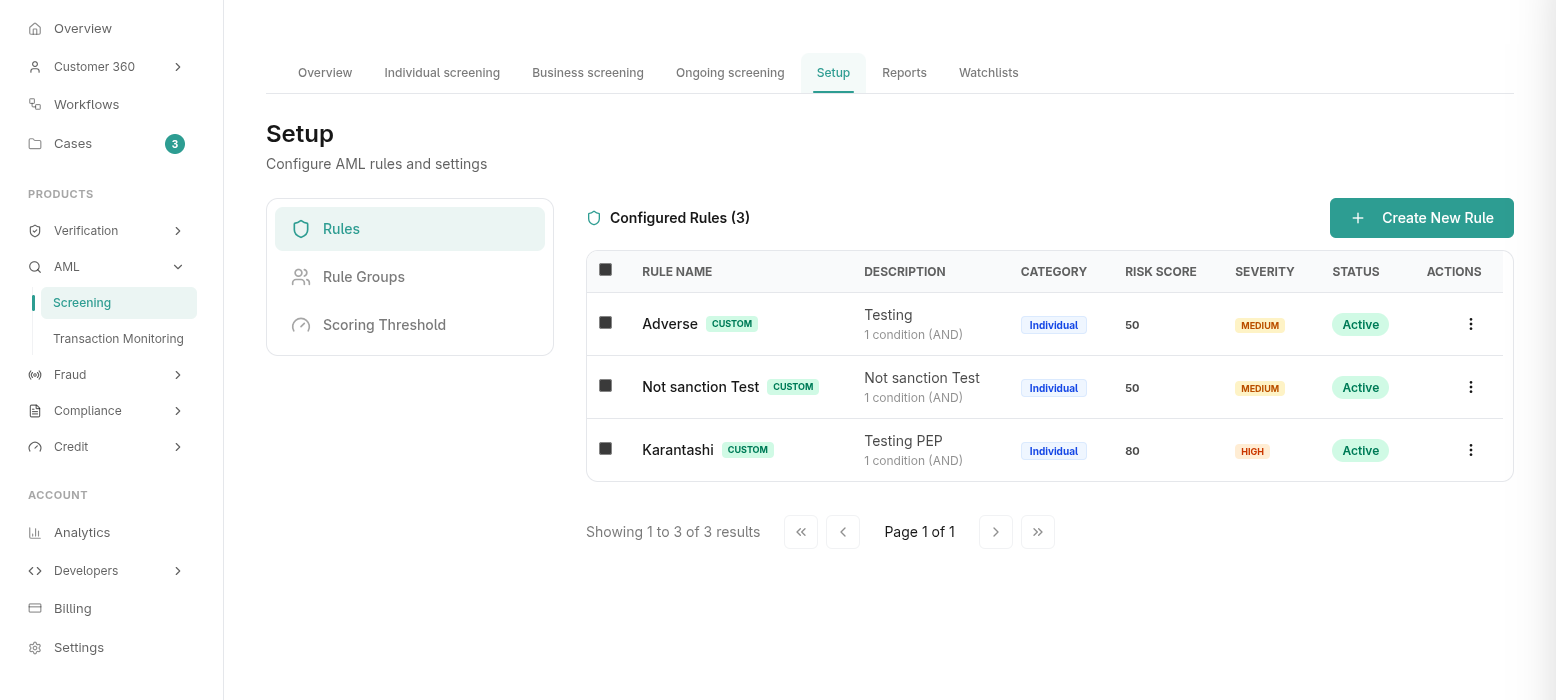
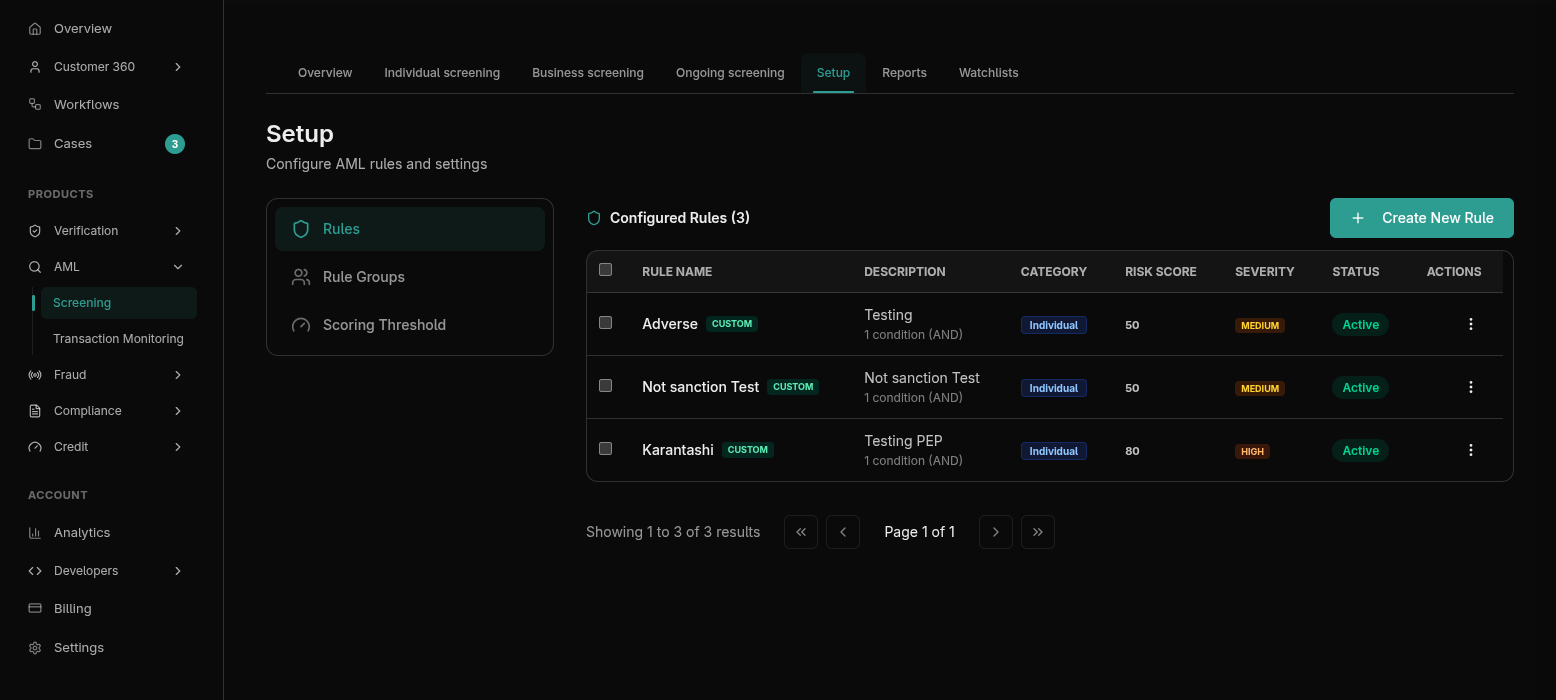
5. Configuring AML Rules & Thresholds
To prevent false positives from flooding your operations team, you can configure strict AML Rules and Risk Thresholds in your settings.
- Fuzzy Matching Thresholds: Adjust the sensitivity of the name matching algorithm. Lower thresholds catch more variations (e.g., "Jon Doe" vs "John Doe") but increase false positives.
- Watchlist Selection: You can explicitly define which watchlists your engine scans against. If your business only operates in Africa, you may choose to disable certain localized Asian watchlists to speed up processing and reduce noise.
Background Checks (BGC)
How to manage verification packages, candidate requests, payments, and the end-to-end candidate lifecycle.
Transaction Monitoring (TM)
A complete guide on how to adopt, customize, and manage industry-specific rule groups to monitor financial transactions in real-time via Dashboard and API.