

Billing & Wallet
Prembly operates on a prepaid wallet system. Every time an API call or Verification is successfully executed, the cost is automatically deducted from your wallet balance.
The Billing (/dashboard/billing) page allows you to monitor and top-up this wallet, ensuring your services run without interruption.
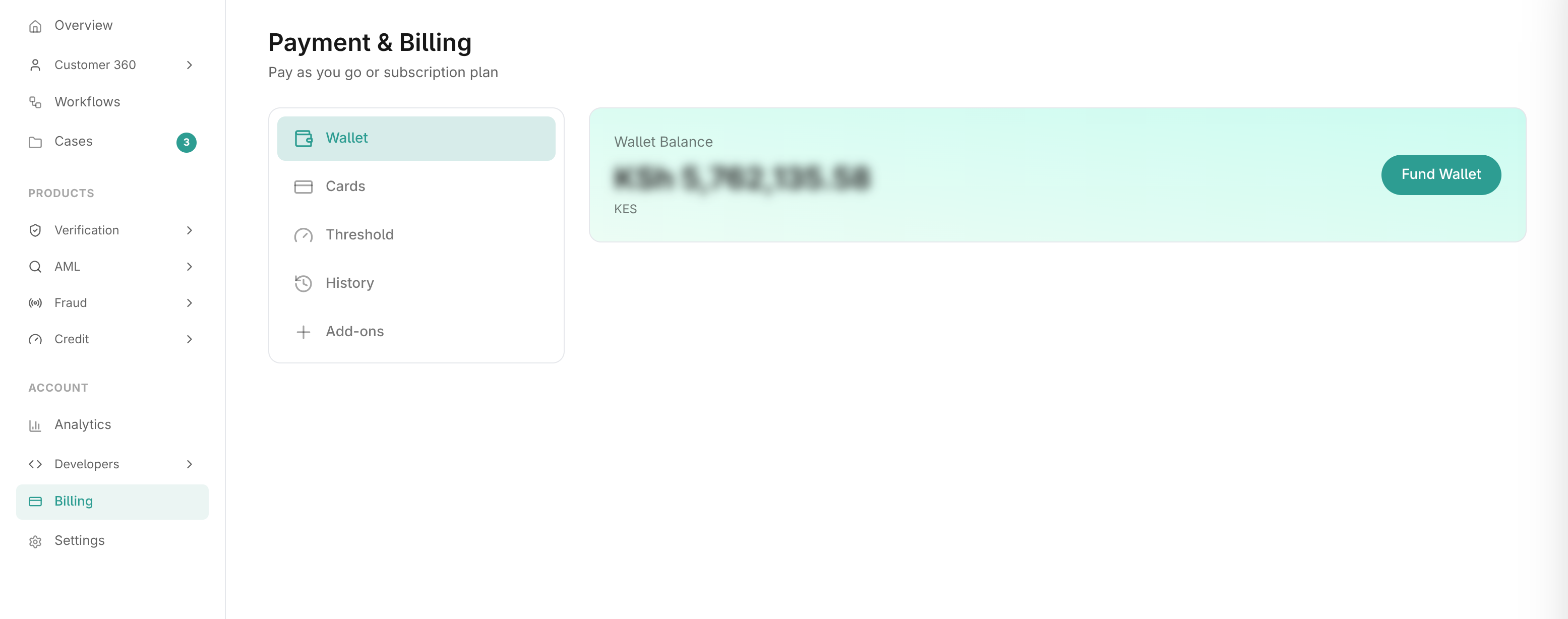
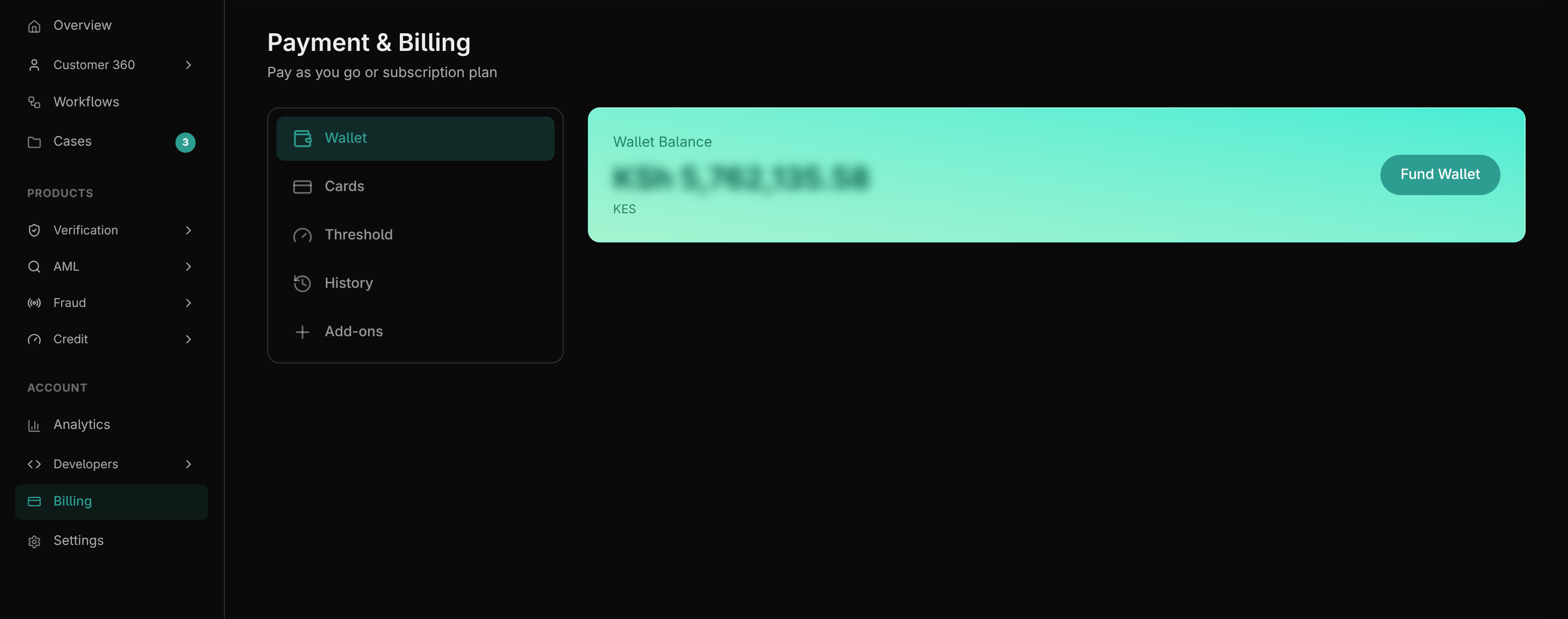
1. The Wallet Tab
This is the default view. It displays your current available balance in your organization's base currency.
Funding Your Wallet
- Click Fund Wallet.
- Enter the amount you wish to add.
- Select your preferred payment method (e.g., Paystack, Stripe, or a saved card).
- Complete the secure checkout process. Your balance will update immediately upon success.
2. Low Balance Thresholds
To prevent your services from suddenly stopping due to a depleted wallet, you can configure automatic Low Balance Alerts in the Threshold tab.
- Set Threshold Amount: Define the minimum balance at which an alert should trigger (e.g.,
$50.00). - Email Notifications: Add one or multiple email addresses (e.g., your finance team) to receive an automated notification the moment your balance drops below the defined threshold.
3. Transaction History & Invoices
The History tab acts as your financial ledger.
- View Transactions: See a chronological list of all wallet top-ups, API charge deductions, and refunds.
- Invoices: For every successful top-up, you can view and download a formal PDF Invoice/Receipt for accounting purposes.
- Data Export: You can export your entire financial history as a
.csvor.xlsxfile based on a specific date range.
4. Cards & Add-ons
- Cards: In the Cards tab, you can securely save credit or debit cards for faster wallet top-ups in the future. You can designate a "Default" card or remove old cards.
- Add-ons: If your organization subscribes to specific Premium Add-ons (e.g., Enhanced Support SLAs, custom domain widgets), they are listed and managed here.