Settings
The Settings (/dashboard/settings) module is where administrators configure the organization-wide preferences, manage team access, and enforce security policies.
1. Profile & Business
- Profile (
/dashboard/settings/profile): Manage your personal user account details (Name, Email, Profile Picture). - Business (
/dashboard/settings/business): Configure the core organization details. This includes the company name, registered address, logo, and the primary contact email used for compliance notifications and billing receipts. - Directors (
/dashboard/settings/director): Maintain a record of your company's board of directors and ultimate beneficial owners (UBOs). This is often required for tier-upgrade compliance.
2. Team Management
Prembly offers robust, enterprise-grade access control to ensure team members only see what they need to see.
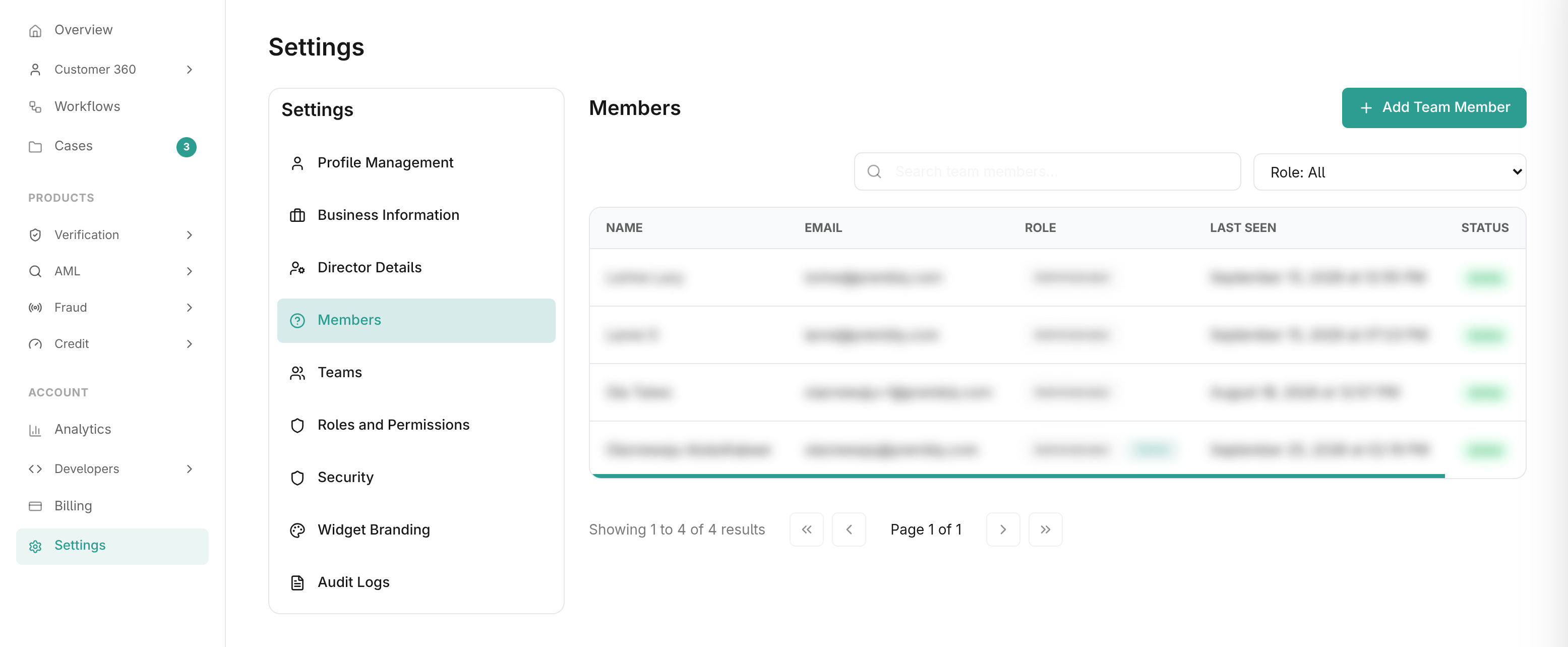
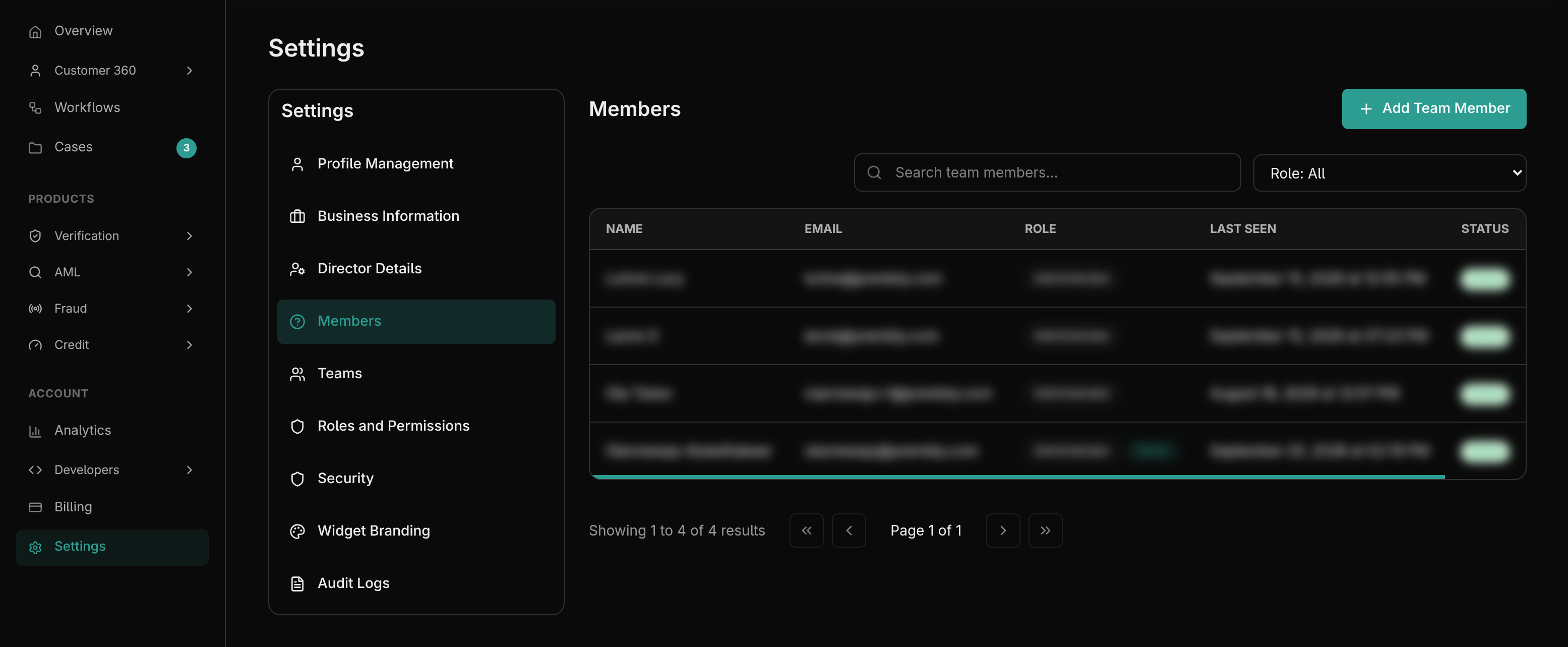
- Members (
/dashboard/settings/members): Invite new users to your organization via email. You can view all active and pending invitations here, and revoke access for offboarded employees. - Teams (
/dashboard/settings/teams): Group members into logical units (e.g., "Level 1 Compliance", "Engineering", "Finance"). This makes it easier to assign cases or workflows to an entire group rather than individual users. - Roles & Permissions (
/dashboard/settings/roles): Prembly uses Role-Based Access Control (RBAC).- You can assign standard roles (Admin, Developer, Compliance Officer).
- Alternatively, you can create Custom Roles with granular permissions (e.g., a role that can view Identity Verifications but cannot export them, or a role that can manage Billing but cannot access API Keys).
3. Security & Audit
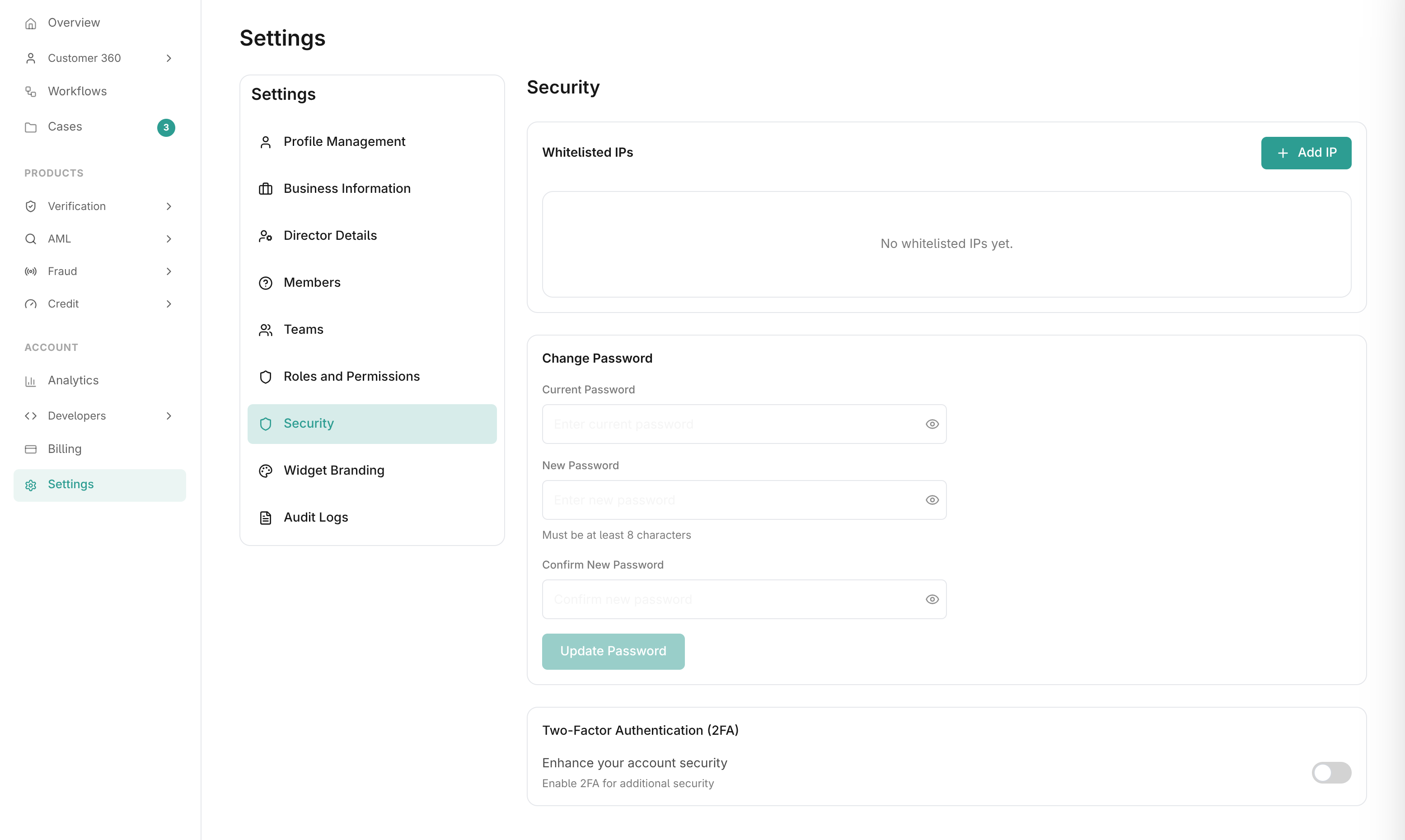
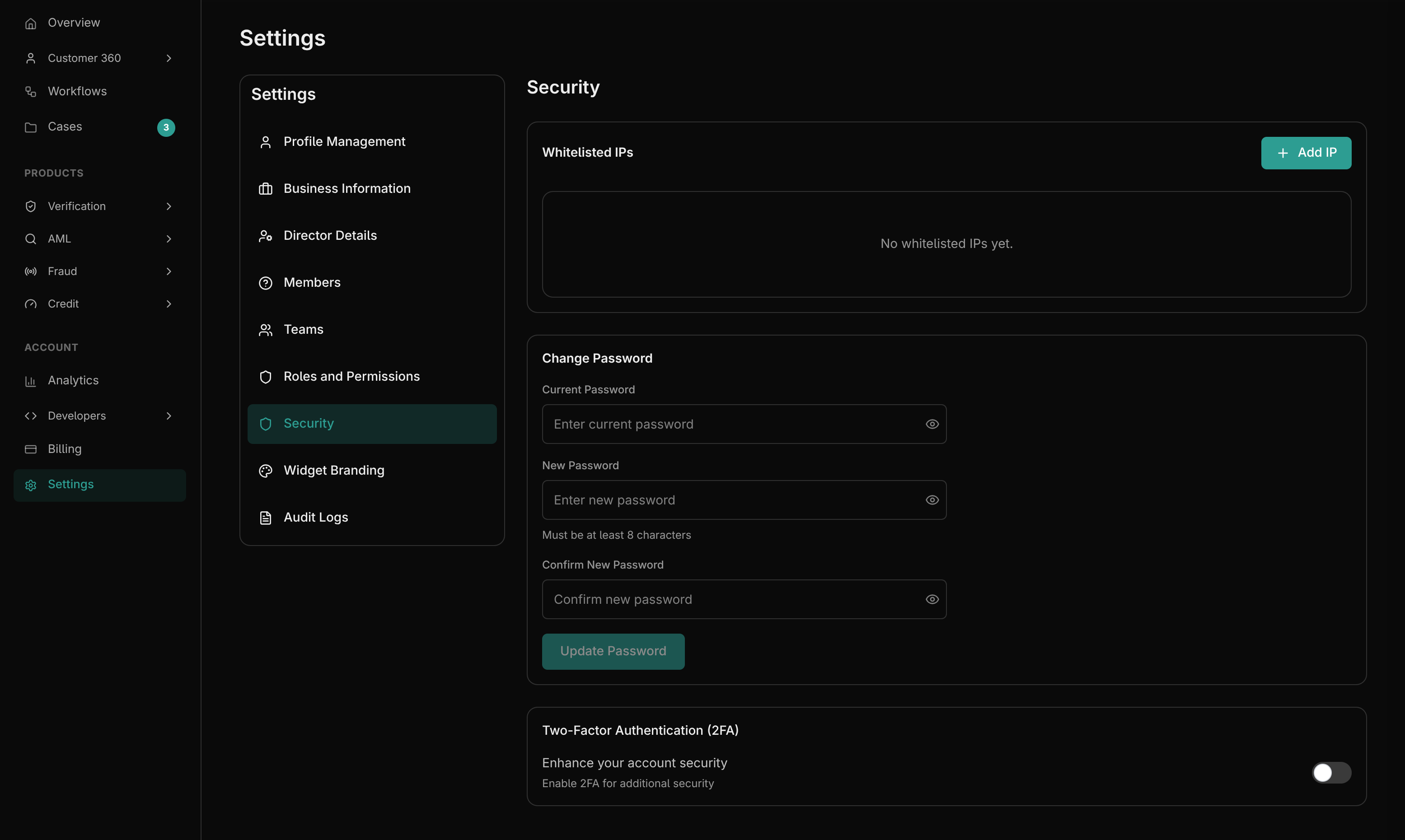
- Security (
/dashboard/settings/security): Enforce organization-wide security policies.- Enable Two-Factor Authentication (2FA) for your own account.
- (For Enterprise plans) Configure Single Sign-On (SSO) via SAML or OIDC.
- Manage active sessions and log out from remote devices.
- Audit Logs (
/dashboard/settings/audit-logs): A strictly immutable ledger of every action taken within the dashboard.- Track who logged in, who generated an API key, who exported a report, and who changed a workflow configuration.
- Audit logs are critical for SOC2 compliance and internal security reviews.